6.2. Plugins
A plugin is a python package whose name is of the type: pymodaq_plugins_apluginname containing functionalities to be added to PyMoDAQ
Note
A plugin may contains added functionalities such as:
Classes to add a given instrument: allows a given instrument to be added programmatically in a Control Modules graphical interface
Instrument drivers located in a hardware folder: contains scripts/classes to ease communication with the instrument. Could be third party packages such as Pymeasure
PID models located in a models folder: scripts and classes defining the behaviour of a given PID loop including several actuators or detectors, see The PID Model
Extensions located in a extensions folder: scripts and classes allowing to build extensions on top of the DashBoard
Entry points python mechanism is used to let know PyMoDAQ of installed Instrument, PID models or extensions plugins
The best way to start creating a PyMoDAQ plugin is to use the template one on github and read this tutorial.
Each new functionality type can be activated within a plugin from the pyproject.toml file (see below) within the features section.
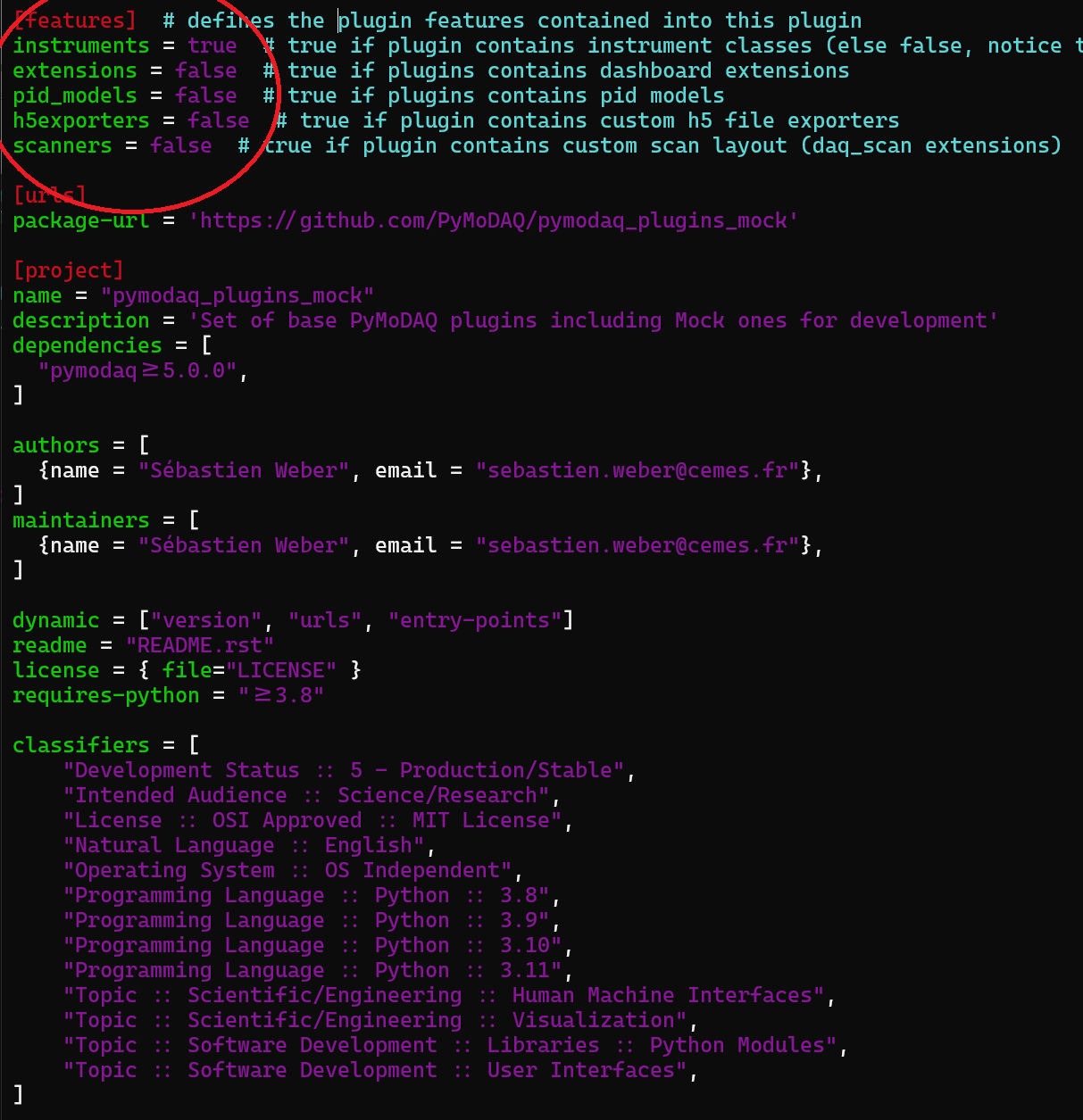
Fig. 6.1 Content of a pyproject.toml file